01
Create & edit
A code editor that speaks Total.js.
Open an existing project or create a clean Total.js 4 or 5 foundation. Work with completions, signatures, definitions, Quick Help and formatting that preserve the framework’s conventions.
Open your project. Write, run and debug with Node.js and Total.js already inside the app. Get help from Apple Intelligence on your Mac, or connect the local model and coding agents you choose.
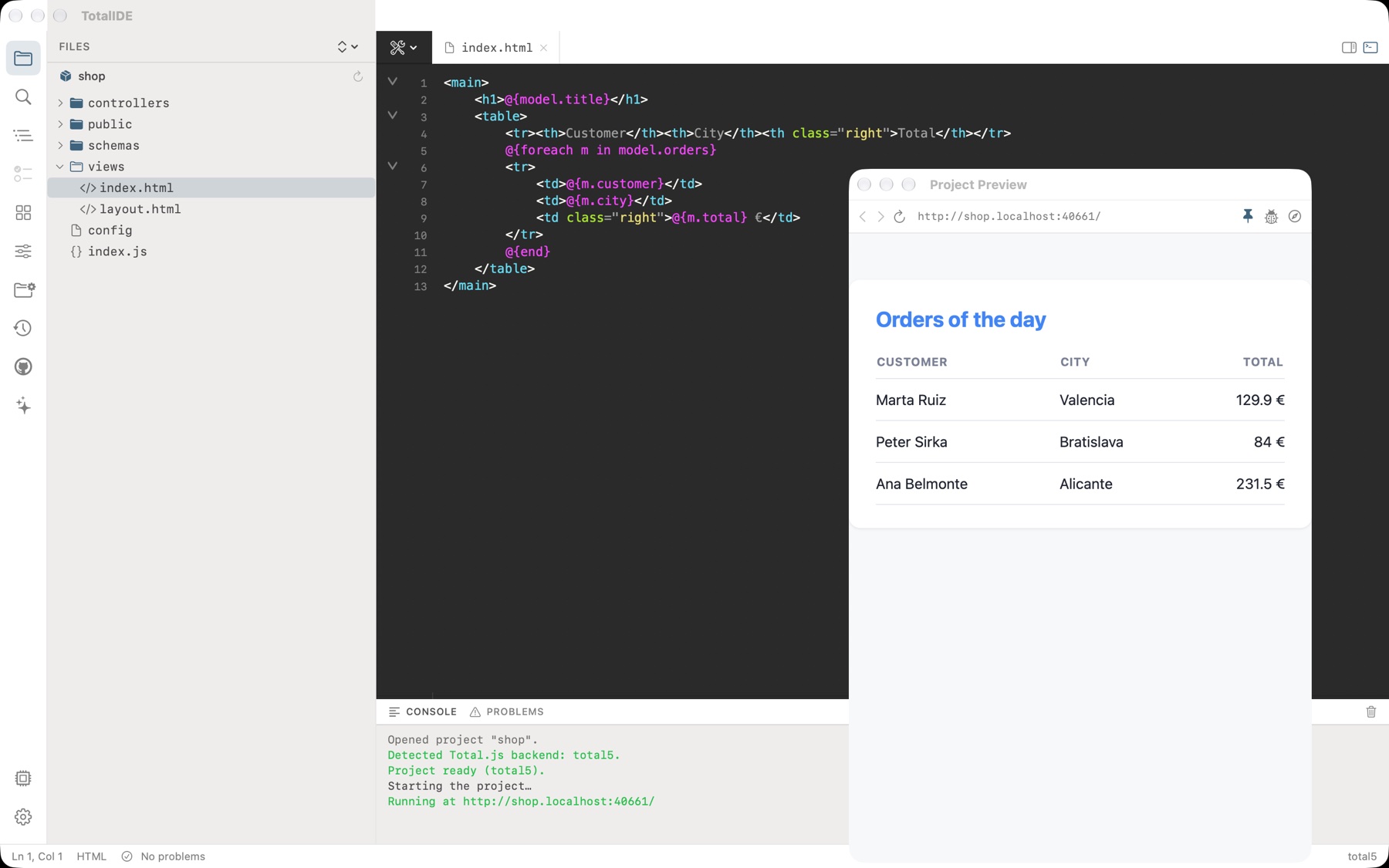
Complete workflow
TotalIDE brings the pieces of real Total.js development together without turning your workspace into a collection of disconnected tools.
Create & edit
Open an existing project or create a clean Total.js 4 or 5 foundation. Work with completions, signatures, definitions, Quick Help and formatting that preserve the framework’s conventions.
Run & Preview
The included Node.js and Total.js runtimes start the project locally. Preview follows restarts, reloads when the server is ready and adapts from phone to desktop sizes.
Project tools
See routes, actions, schemas, plugins and components. Collect pending comments, inspect local data, manage configuration and keep local restore points.
Framework intelligence
TotalIDE detects the project’s backend and frontend versions, learns its own declarations and connects symbols across controllers, schemas, actions, views and browser code.
 Project graphVersion-aware
Full-stack visibility
One command starts a focused debug session and brings the signals from both runtimes into one workflow.
Set breakpoints in controllers, actions, schemas, definitions, middleware and startup code. Step through execution with conditions, call stacks, scopes, expressions and editable values.
Follow browser console output, errors and rejected promises beside your backend session. Use the frontend debugging tools and Safari Web Inspector to inspect the running page.
Assistance on your terms
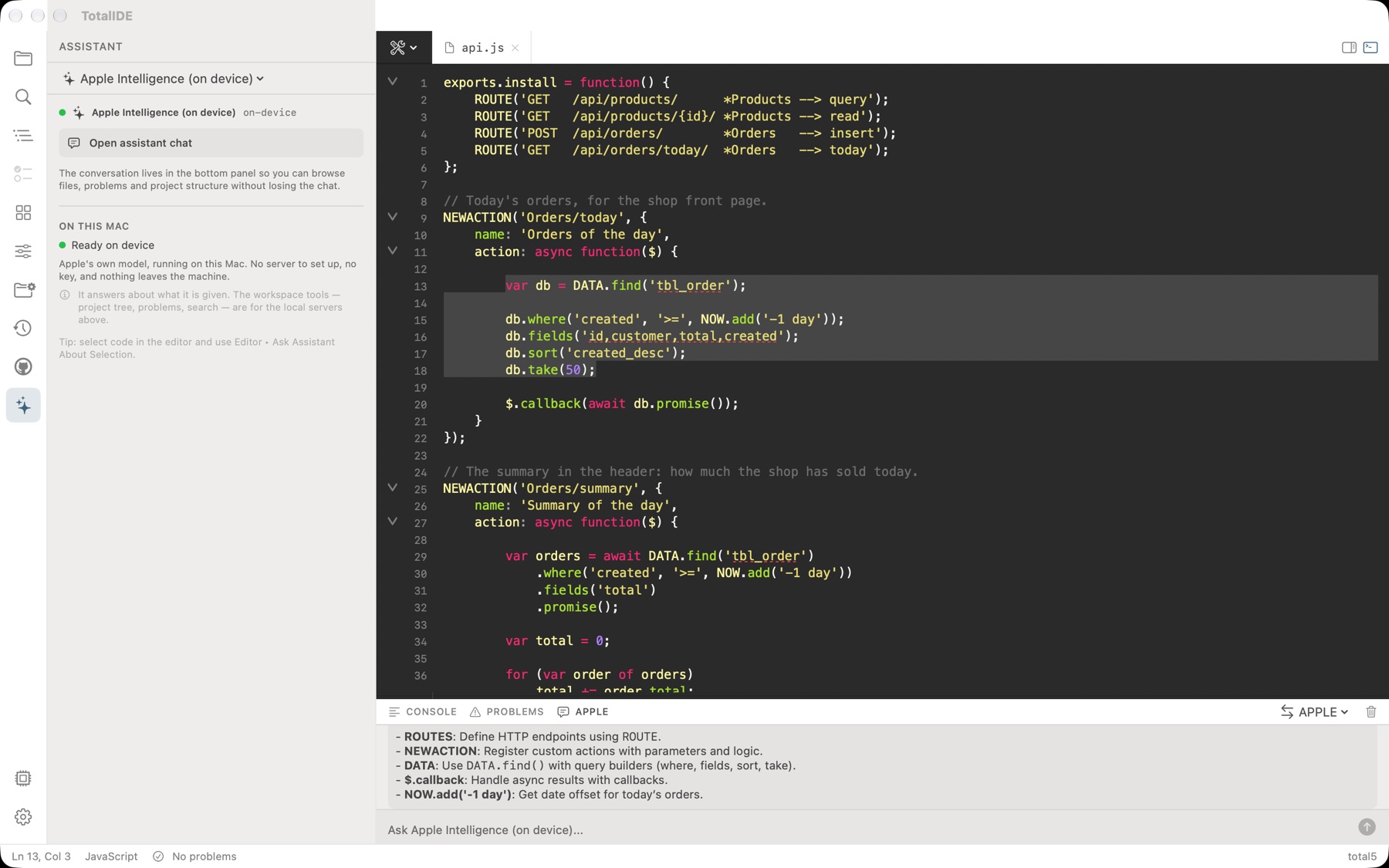
Select code and ask for an explanation, documentation, a summary or a review. The answer stays beside your work, and suggested code can be inserted with one click and undone with the editor.
Apple Intelligence requires a compatible Mac and system availability. Coding agents may require their own account or subscription. You choose which external services can access your project.
Accessibility is part of the architecture
TotalIDE combines native macOS behavior with deliberate labels, keyboard workflows, scalable interface text and states that never depend on color alone.
Explore accessibility in TotalIDEThis read-only connector can explain the connected Total.js products and link to their public websites. Add this URL as a Streamable HTTP MCP server in a compatible client. These public product tools do not require authentication.
https://totalide.totaljs.es/mcp/Tools: Network_list · Network_search
Client setup guides
Available now
Download TotalIDE from the Mac App Store. Built for Apple Silicon and macOS 14 or later.